Your data
Privacy
Tisty collects nothing and has no server to send anything to. No account, no telemetry, no analytics, no crash reports. That is not a promise you have to…
Tisty collects nothing and has no server to send anything to. No account, no telemetry, no analytics, no crash reports. That is not a promise you have to take on trust — it is a property of the code, which is public. Run a network monitor against it if you like.
This page is a summary. The full policy, including the parts that are not reassuring, is PRIVACY.md, and the security reasoning is in SECURITY.md.
What is stored
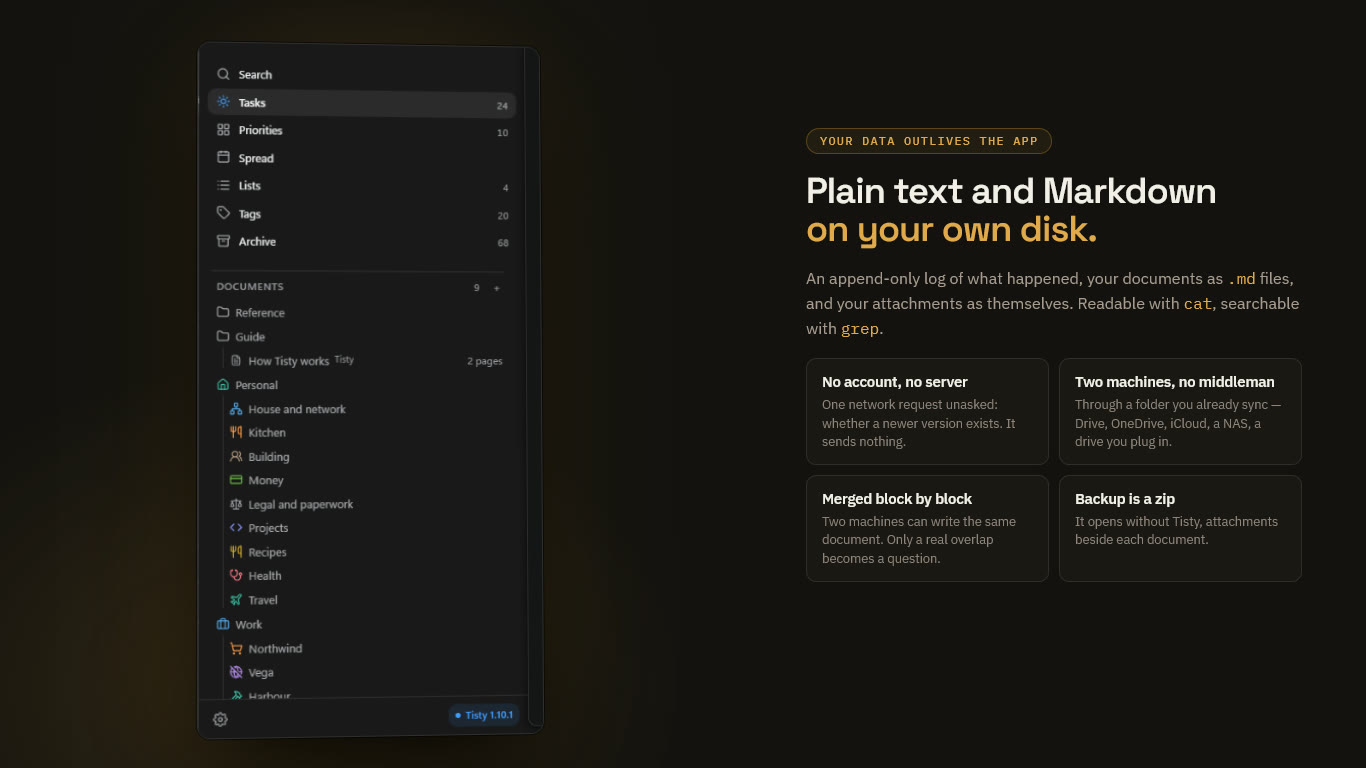
Everything lives in one folder on your disk:
- Tasks and events — plain-text JSONL, an append-only log. Readable with
cat, searchable withgrep, parseable withjq. - Documents — plain Markdown files.
- Attachments — the files themselves, unmodified.
- Local settings — including this machine’s identifier and signing key. The private half of the key never leaves the machine.
- A
private/folder — anything placed there never leaves the machine, by any route.
Nothing is obfuscated, and nothing is in a format only Tisty can read.
Nothing is encrypted at rest. Your operating system’s permissions are the protection. That is a decision, not an oversight: encryption would break the block-by-block merge of documents that syncing depends on.
Warning An append-only log does not forget. If a password ends up in a task, deleting the task removes it from what you see, not from the history underneath — and if it already reached the shared folder, it is on every machine that pulled it, plus your provider’s version history. Keep secrets out, or in
private/.
Who can reach your data
| You choose | Who else can reach it |
|---|---|
| Local only (the default) | Nobody |
| A folder your cloud client syncs | That provider, under their terms |
| Google Drive, connected from Tisty | Google, under its terms. Tisty sees only its own hidden space there (how it works) |
| A folder on your own hardware (NAS, external drive) | Whoever can reach that hardware |
| A backup zip | Wherever you put it |
A .tistyx parcel you hand to someone | Them, and whoever they hand it to |
A .tistyx locked with six digits | Whoever has both the file and the number |
| An assistant you let in | Whatever service that assistant talks to |
The network requests Tisty makes
On its own, one: when it opens and once a day after that, it downloads a small file to see whether a newer version exists. It sends nothing — no identifier, no task, no name. A Microsoft Store copy asks Windows instead, and makes no request of its own.
Only when you ask:
- Update in About downloads the release file and the installer, and Tisty refuses anything not signed with the key built into your copy.
- Bring the preview on a link card asks that page once for its title and picture.
- Clicking a link opens your browser.
- Google Drive, once you connect it from the window, is where Tisty sends and fetches your copies. The command line and assistants never touch the network.
- Checking the way to Google Drive — only while you connect Google Drive or move to it, Tisty sends one request to Google’s API host,
www.googleapis.com, with no account, no token and nothing of yours in it. It waits at most 10 seconds and goes through your system’s proxy, never around it. It only lets Tisty tell you whether a proxy, a filter at work or an antivirus is in the way, or Google itself is having trouble. It never runs while syncing.
Widgets and attached .html pages run in a frame with no network at all.
No AI
Tisty does not use AI or machine learning on your data, and sends nothing to any model. The natural language is deterministic rules on your machine.
If you connect an assistant of your own through MCP, whatever it reads goes wherever that assistant goes. That door is closed until you open it, and one click closes it again.